
How to Create a 30-Day Social Media Content Calendar
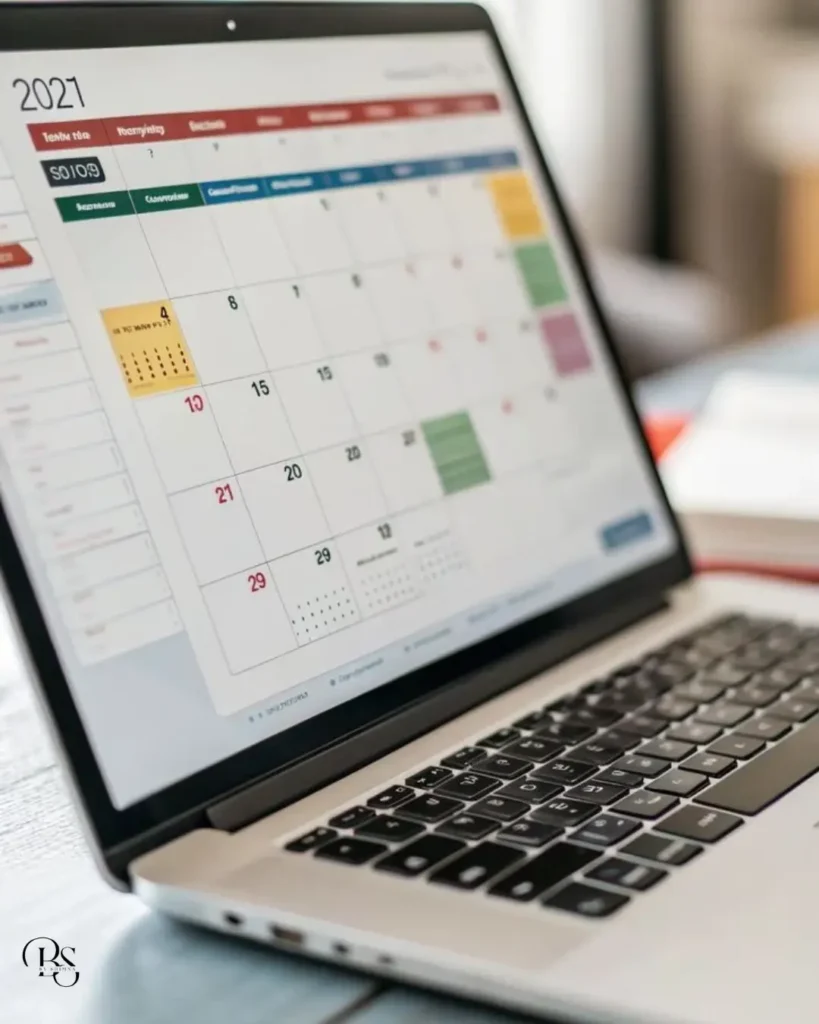
A social media content calendar is the easiest way to stop posting randomly and start growing with a plan. Many small businesses post only when they remember, run out of ideas or feel too busy. The result is a page that looks inactive, and customers lose interest.
In this guide, you will learn how to build a simple social media content calendar for 30 days in five easy steps. You can use it for Instagram, Facebook, YouTube Shorts or any other platform.
What Is a Social Media Content Calendar?
A social media content calendar is a schedule that shows what you will post, on which platform and on which date. It usually includes the post idea, format, caption, hashtags, design status and publishing day. Think of it as a roadmap for your page, so you never have to ask “what should I post today?” again.
Why You Need a Social Media Content Calendar
Planning content ahead brings real benefits:
- Consistency: Regular posting builds trust and keeps your page active.
- Less stress: You decide ideas once instead of every morning.
- Better quality: You have time to design, write and edit properly.
- Balanced content: You avoid posting only offers or only photos.
- Easy tracking: You can see which topics bring results.
Even a simple plan on a sheet of paper beats posting only when you feel inspired.
Step 1: Set Your Goal and Know Your Audience
Start by deciding what you want from social media. It could be more followers, more enquiries, more website visits or more sales. Then think about your ideal customer. What problems do they have? What do they like to watch? Your goal and your audience decide every post in your social media content calendar.
Step 2: Choose Your Content Pillars
Content pillars are the three to five main topics you will talk about again and again. For example, a clothing boutique can use these pillars:
- New arrivals and styling ideas
- Customer reviews and happy moments
- Fashion tips and how-to videos
- Behind the scenes and team stories
- Offers and festival collections
Pillars keep your page focused and make it easier to find ideas.
Step 3: Decide Your Platforms and Posting Frequency
Do not try to be everywhere. Choose one or two platforms where your customers spend time and decide how often you can post without burning out. Three to four posts a week is a realistic start for most small businesses. It is better to post consistently four times a week than to post daily for ten days and then disappear.
Step 4: Build Your 30-Day Plan
Now fill your social media content calendar week by week. Here is a simple structure you can copy:
- Week 1, Introduce: Share who you are, what you sell, your story and your best products.
- Week 2, Educate: Post tips, answers to common questions and simple how-to videos.
- Week 3, Build trust: Share customer reviews, behind-the-scenes clips and success stories.
- Week 4, Convert: Promote offers, limited deals and clear calls to action.
Within each week, mix formats. For example, post two reels, one carousel and one story-based post. If you need video ideas, use our list of Instagram reels ideas for business.
Step 5: Create Content in Batches
Batching means doing the same task for many posts at once. Spend one day writing captions, another day shooting photos and videos, and another day designing. This saves hours compared with creating each post on the day. Keep a folder of ready posts so that a busy week does not break your schedule.
Content Ideas to Fill Your Calendar
When the calendar feels empty, use this list:
- Answer one customer question in a short video
- Share a before and after result
- Post a customer review with permission
- Show how a product is made or packed
- Run a poll or quiz in stories
- Share a festival wish or seasonal offer
- Introduce a team member
- Explain a common myth in your industry
Keep a running list of ideas in your phone so that you always have material ready.
Tools to Manage Your Social Media Content Calendar
You do not need expensive software. These free or simple tools are enough:
- Google Sheets: Create columns for date, platform, topic, format, caption, hashtags and status.
- Canva: Design posts, covers and story templates quickly.
- Meta Business Suite: Schedule Facebook and Instagram posts in advance.
- Notes or phone reminders: Keep a running list of ideas as they appear.
Sample Weekly Schedule
Here is a simple example you can adapt for your own social media content calendar:
- Monday: Educational reel
- Wednesday: Carousel with tips or product details
- Friday: Customer review or behind-the-scenes post
- Saturday: Offer or announcement with a clear call to action
- Daily: Two or three stories to stay visible
Mistakes to Avoid
- Planning too many posts and not finishing them
- Copying another brand’s calendar exactly
- Ignoring festivals, local events and seasons
- Never checking results
- Making the calendar so rigid that you cannot post timely updates
Leave a little space for trends and last-minute news. A good social media content calendar is a guide, not a prison.
How to Review and Improve Each Month
At the end of 30 days, open your insights and look at reach, saves, shares, comments and enquiries. Mark the best posts and find the pattern. Maybe your tip videos brought more messages than offers. Write the lessons in a notes file so that next month’s planning starts with real data instead of guesses, then make more of what worked. To build a complete growth plan, read our guides on social media marketing in Malappuram and Instagram marketing for small business.
Final Thoughts on Your Social Media Content Calendar
A social media content calendar turns scattered posting into a clear system. Set a goal, choose your pillars, plan four weeks, create in batches and review your results. Even a simple sheet is enough to start.
If you want a ready-made plan created for your brand, explore my social media marketing services or contact me to build your social media content calendar together.